

Fixed modules
Fixed modules should never be modified, save for the specific customizations outlined on this page. These modules have been built in HTML and most updates to their content will be applied by the email author, rather than the designer.
CTM Balance
The CTM Balance is a responsive module, with desktop and mobile breakpoints. It is a dynamic module, appearing only for registered users. It always sits directly above the Header.

Header
Headers are responsive modules, with desktop and mobile breakpoints.
Header variations

Standard version – desktop on left, mobile on right


Outlet version – colour and navigation reflect the special, in-store-only shopping experience. Logo and address are clickable to the Outlet store locator page.
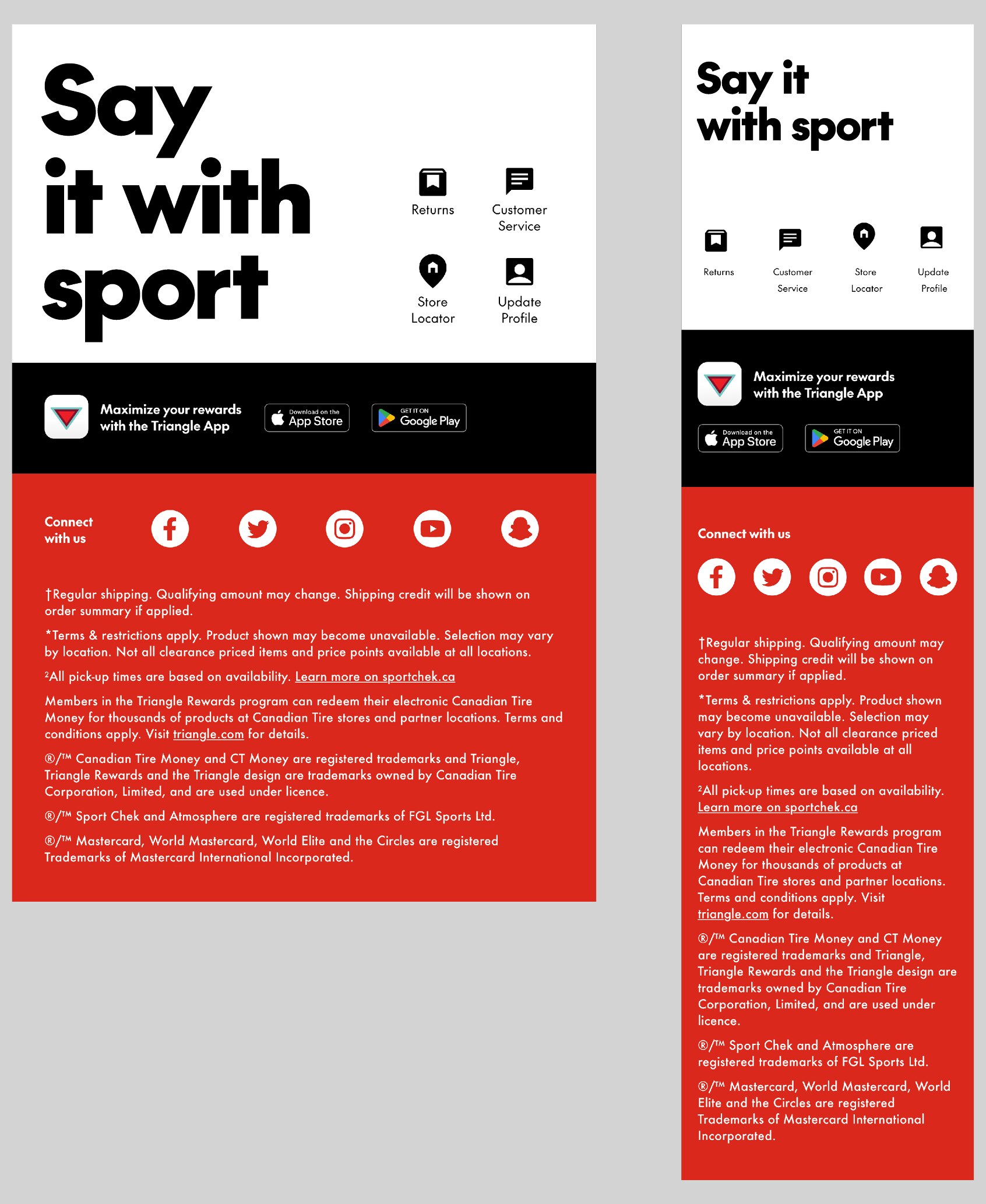
Footer
The footer is a responsive module, with desktop and mobile breakpoints. Its legal copy will change from email to email. This is the responsibility of the email author.
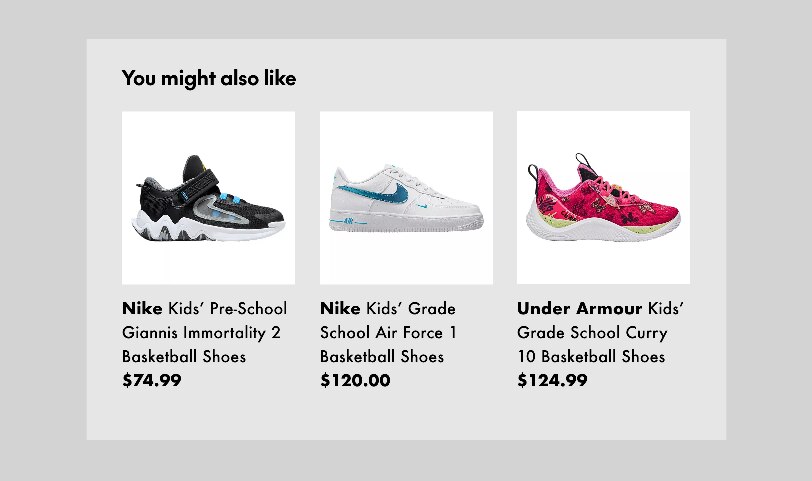
Reco Feed
This module is dynamically populated with SKU images, descriptions and prices. It uses a single, consistent colour scheme and cannot be altered in any way.
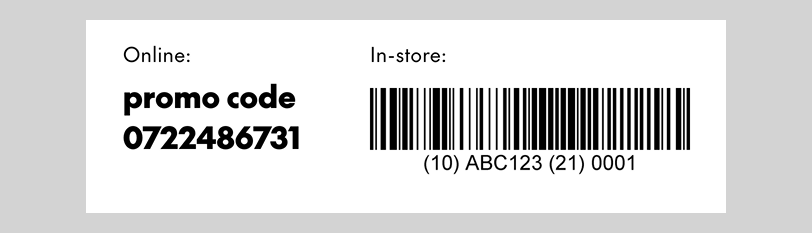
Dynamic Discount Code
This module is dynamically populated with unique discount codes for applications such as Winback emails. It always includes an online code and a barcode for in-store use. The DDC uses a single, consistent colour scheme and cannot be altered in any way.
If you're working with a publicly-accessible discount code—like for Friends & Family promotions—you can create a different layout to contain it using a Banner/NPP module. In this case, always follow the styling guidelines for online and scannable discount codes.
Basic Dynamic Discount Code module
Adding titles and buttons
Dynamic Discount Code components do not include headings or buttons. Their simple design allows you to place them directly below A-Spots, giving them an integrated look, if desired. You can add titles, copy and/or calls-to-action by adding Standalone Copy Blocks and Buttons directly above and below DDC modules.
Abandoned Item
This module is specifically for Abandoned Cart emails and dynamically populated with product images and descriptions. It is designed for stacking and always includes a CTA button. It uses a single, consistent colour scheme and cannot be altered in any way.
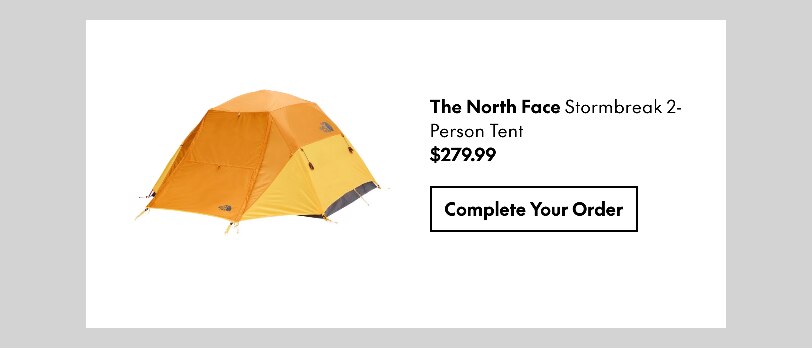
Full-size version: used only in dedicated Abandoned Cart trigger emails.

Slim version: used in all other email types