

Using SKU images
Overview
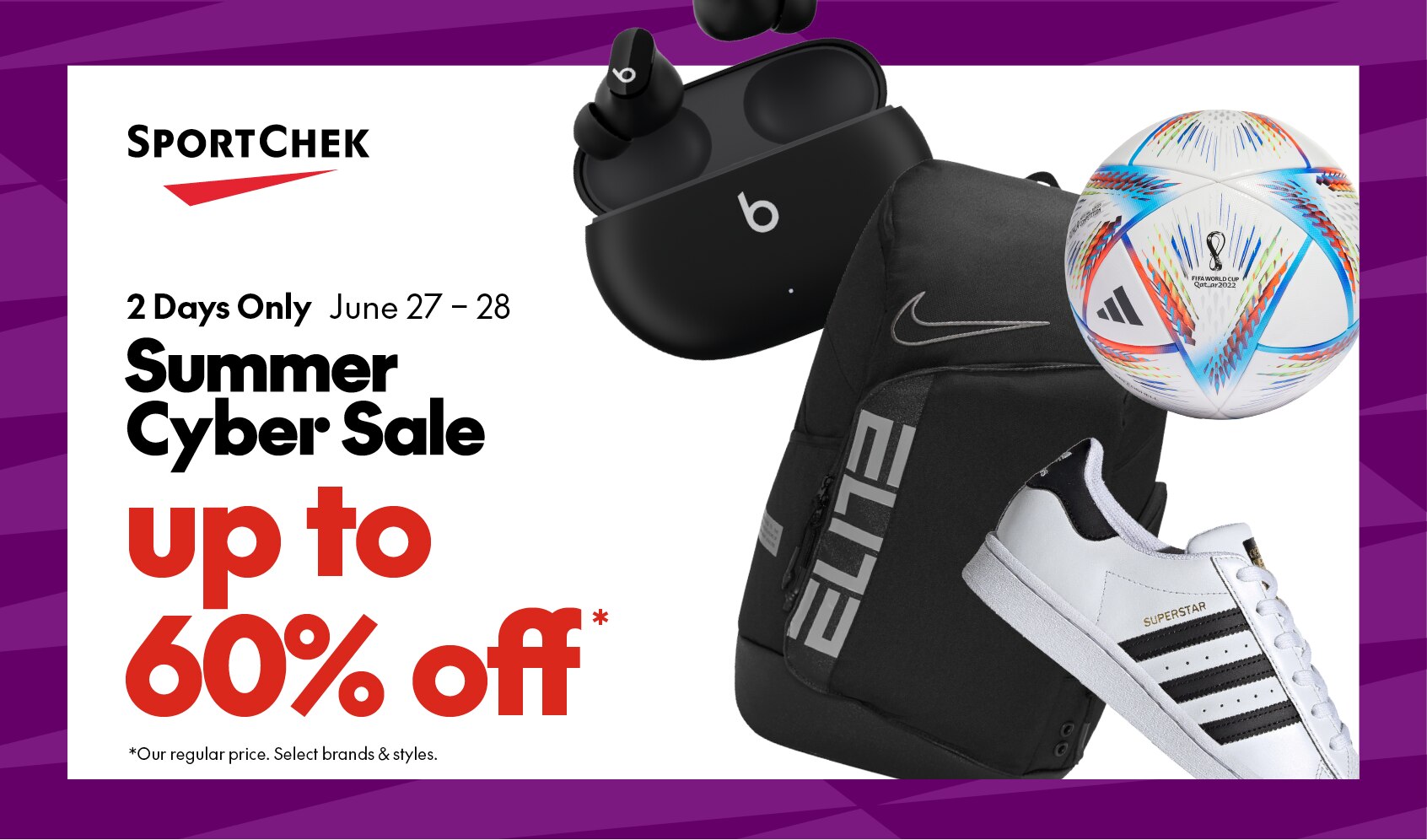
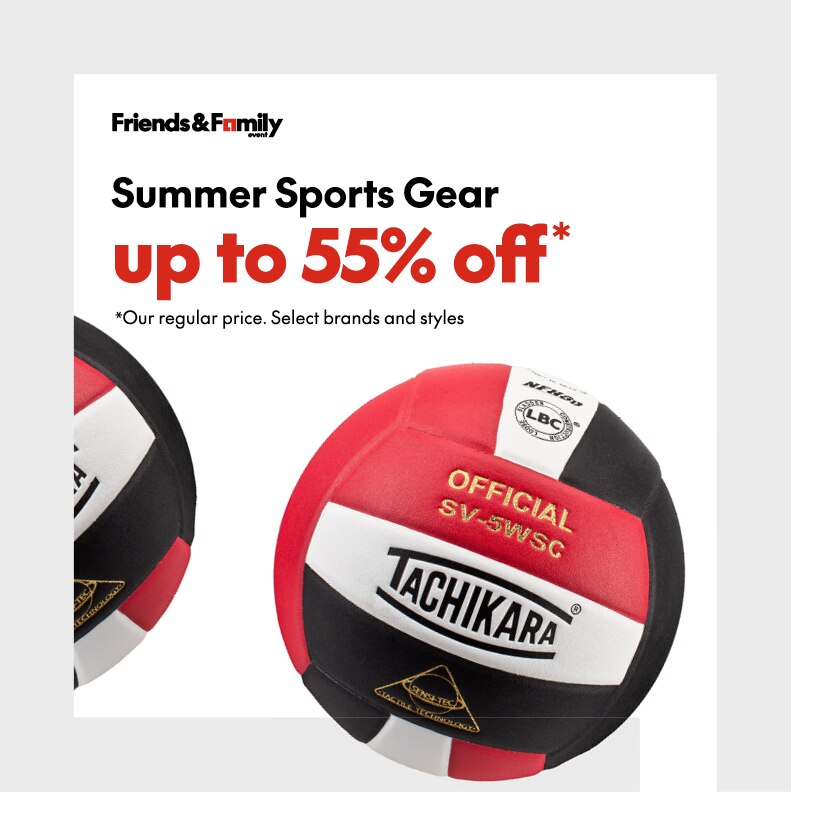
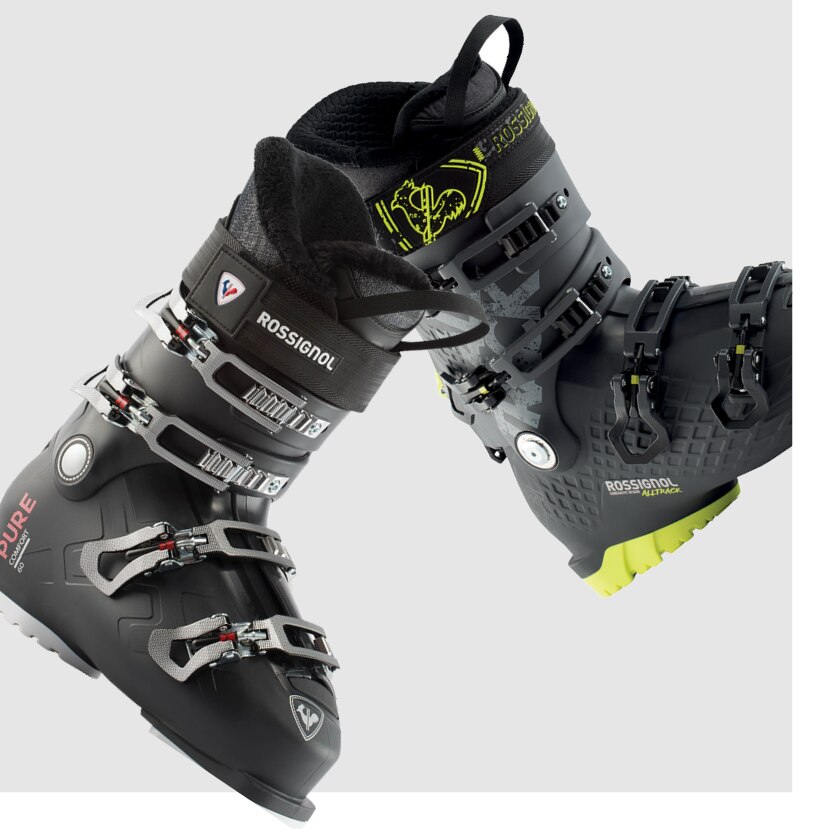
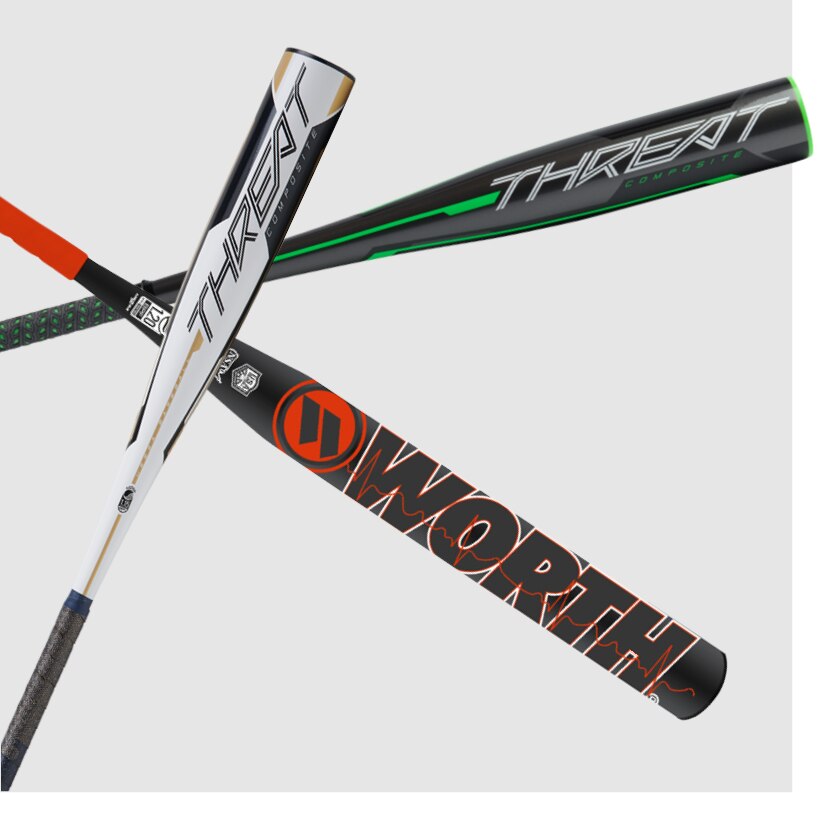
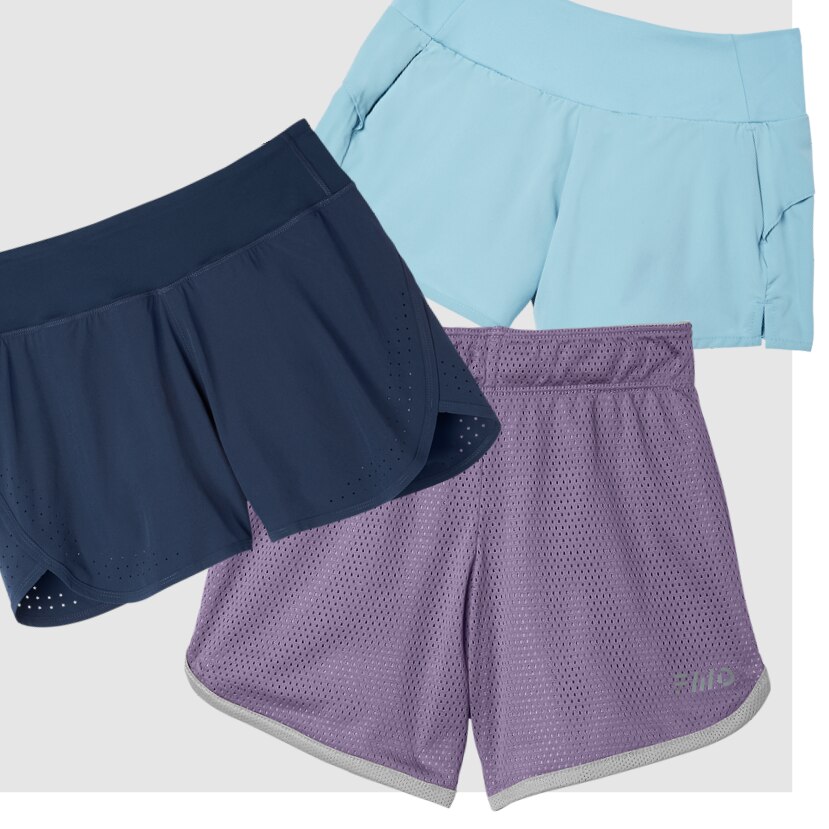
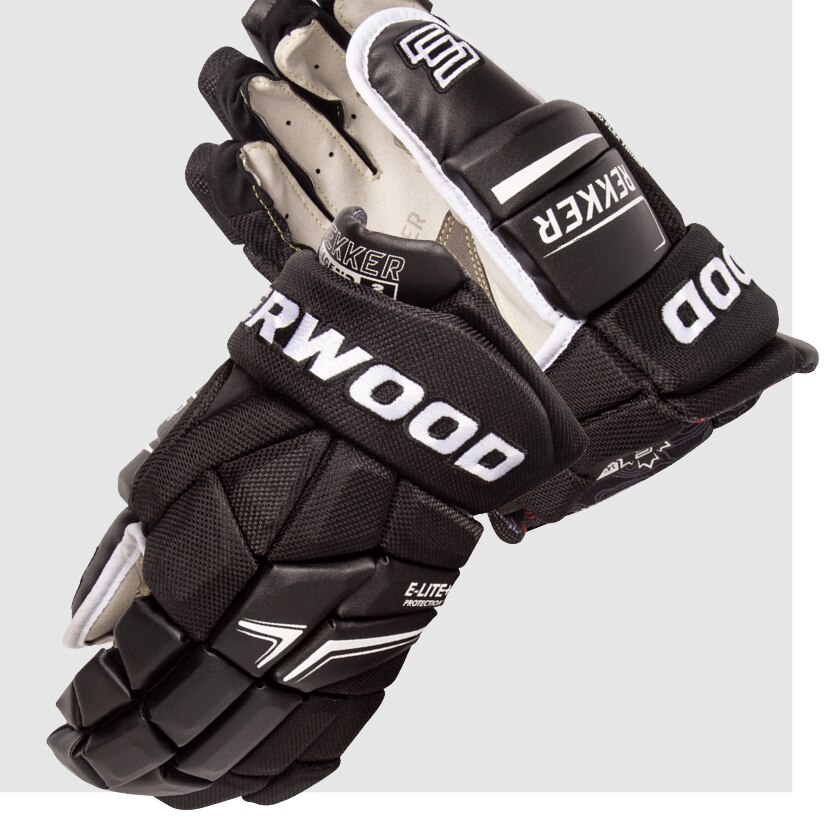
To add a sense of movement to our most basic product photography, we can use rotation and depth to bring energy to our SKU placements. This can be used to break up rigid, gridded product layouts or add focus, emphasis or added interest to featured placements.
Creative examples

Organic vs graphic
Rotating the SKU images helps make them feel less rigid and can give them a sense of movement. However, product visibility is crucial so it is important to not over rotate the images.
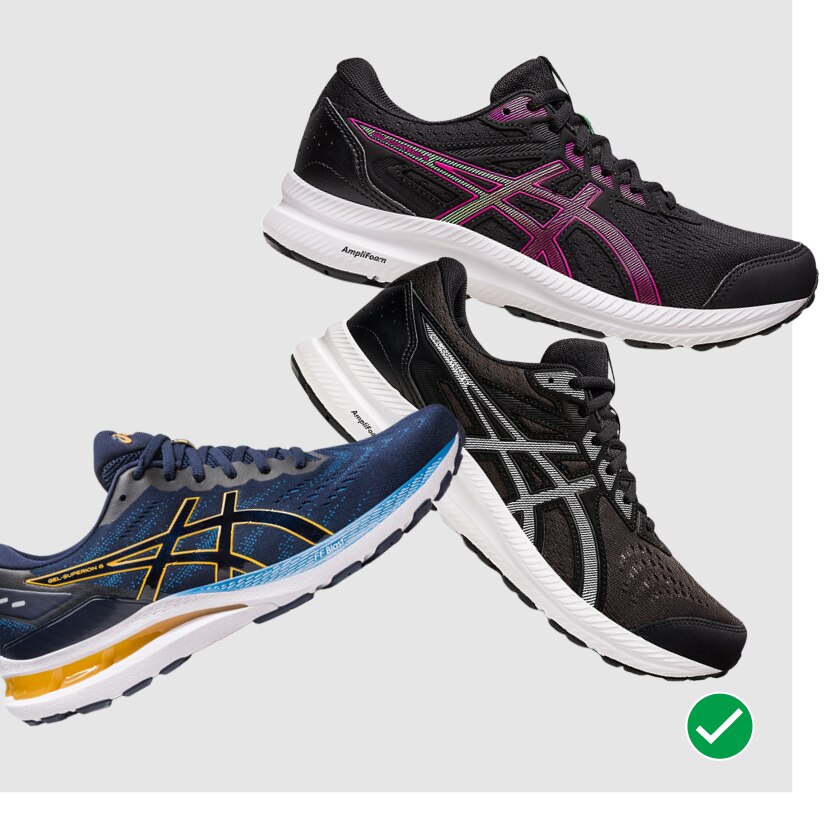
Products feel like they are tumbling and have a sense of motion.
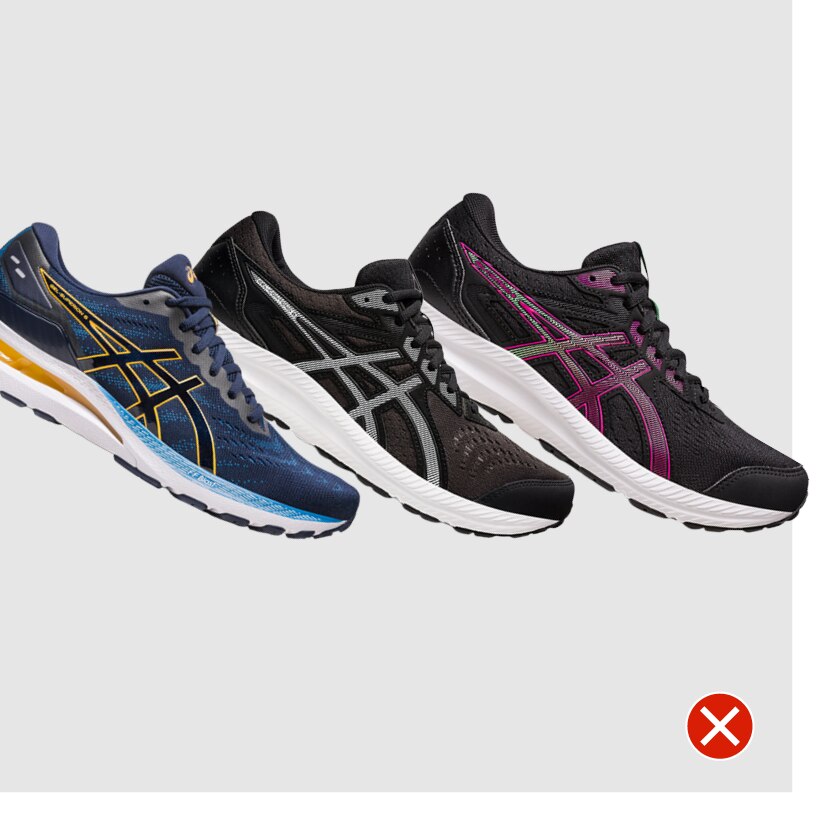
Products are too formally arranged and feel static.
Rotation
Rotating the SKU images helps make them feel less rigid and can give them a sense of movement. However, product visibility is crucial so it is important to not over rotate the images. Images can be rotated any amount between 70 degrees clockwise to 70 degrees counter clockwise.
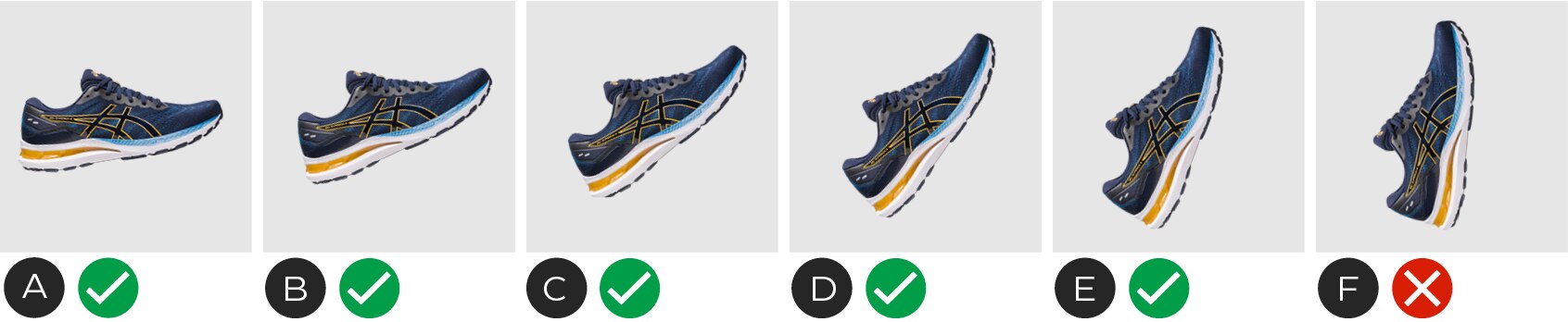
A to E – Variations of acceptable counter clockwise rotation angles (0-70°). The same rules apply for clockwise rotation.
F – Do not rotate more than 70° in either direction
Crop/overlap
Using a variation of rotation angles, cropping and overlapping can give the SKU images an energetic sense of motion and dimension. Where the images intersect should be carefully considered so the product is still clear and visible.
Overlapping SKU images should always have a contrast in angle.
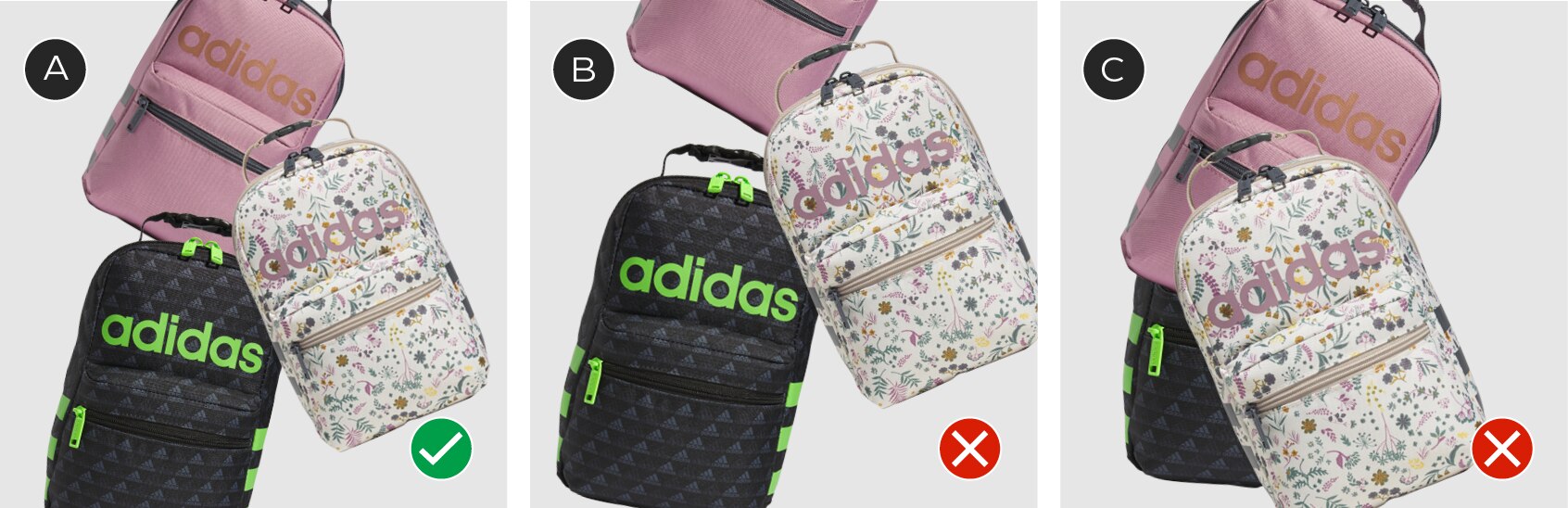
A – Backpacks are overlapping and cropped, but still highly visible
B – Pink backpack is lost with over cropping
C – Black backpack is lost behind the two foreground backpacks
Examples
Use with frame
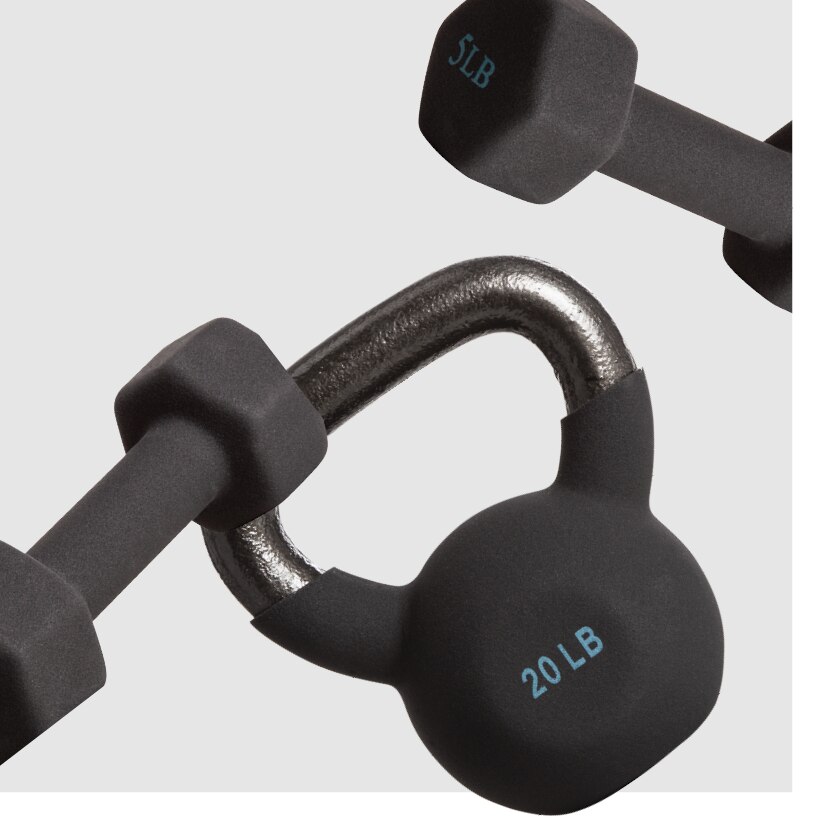
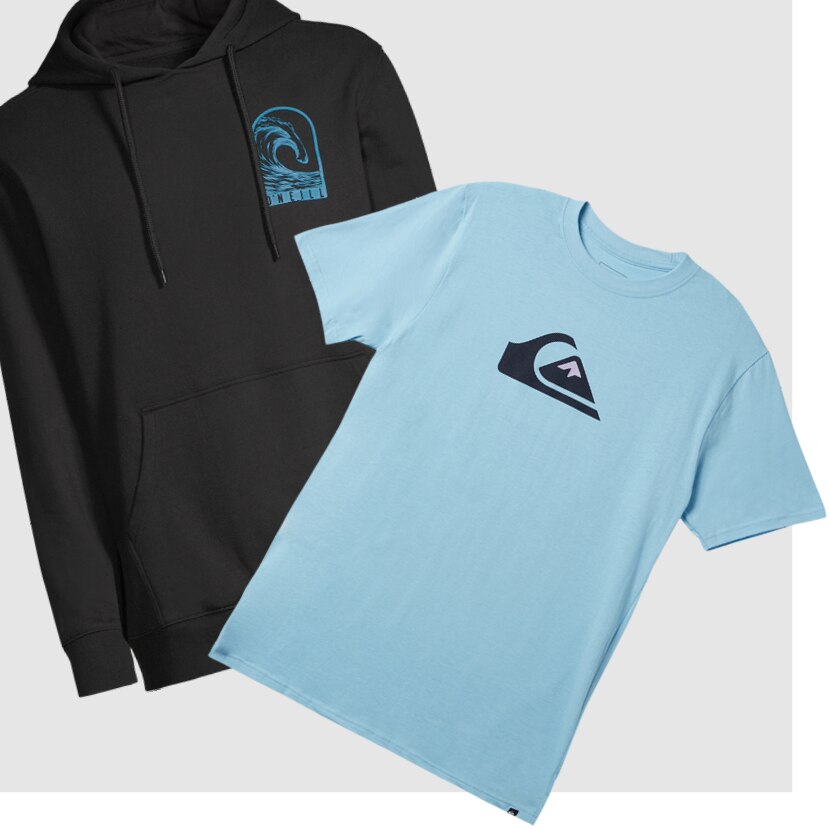
When using SKU photography with the frame element, there are a few ways they can interact. An Implied Frame or a Chek Box Frame can be used with SKU images popping out. The SKU images can also be used with lifestyle photography by having the arrangement flowing out from behind the chek box frame.
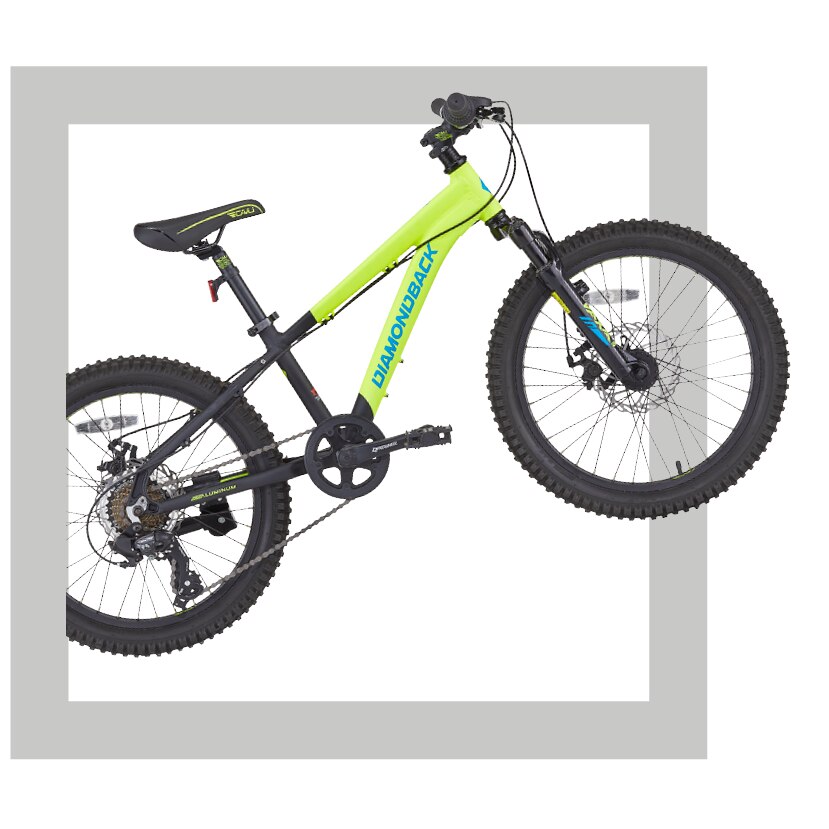
Examples of SKU images in use with frame elements.
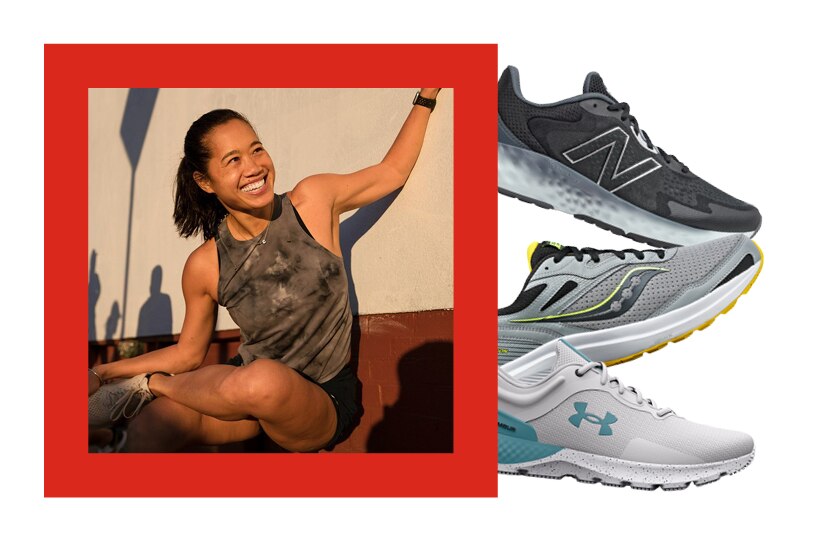
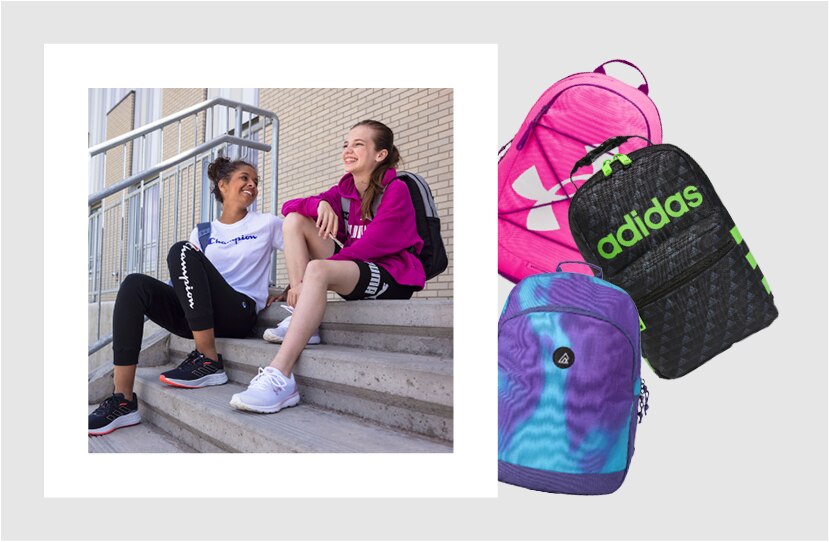
Examples of SKU images in use with lifestyle photography and frame.
Odd shaped/sized items
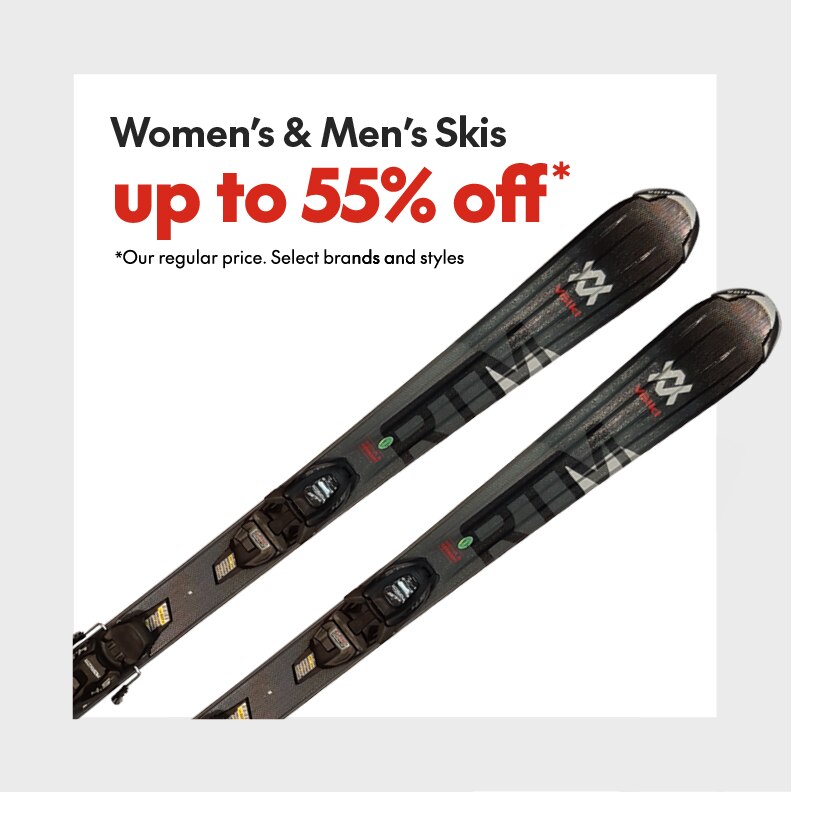
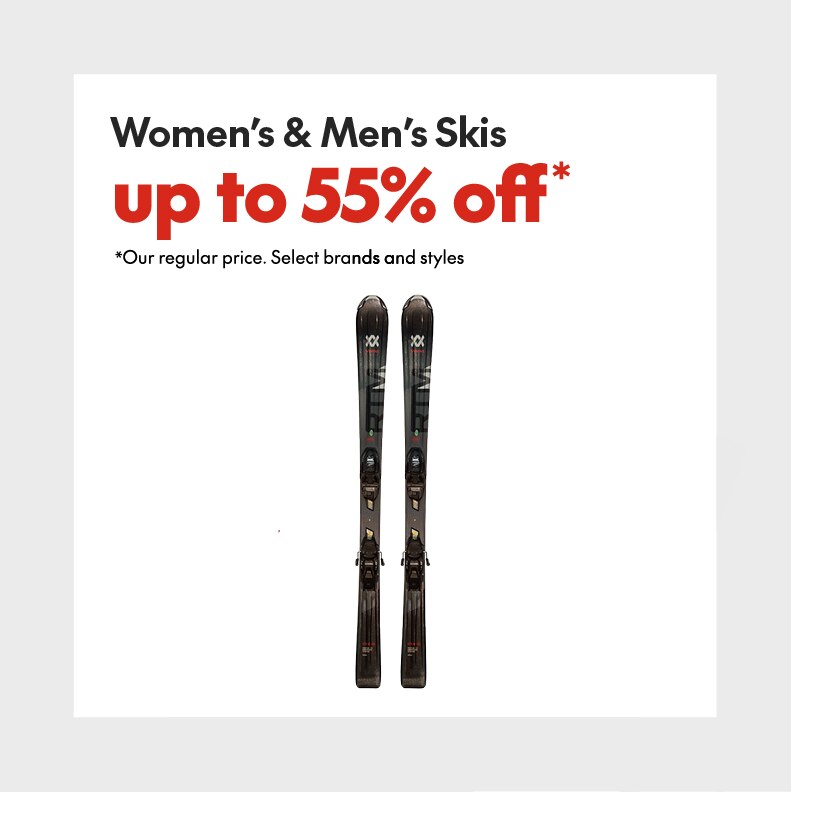
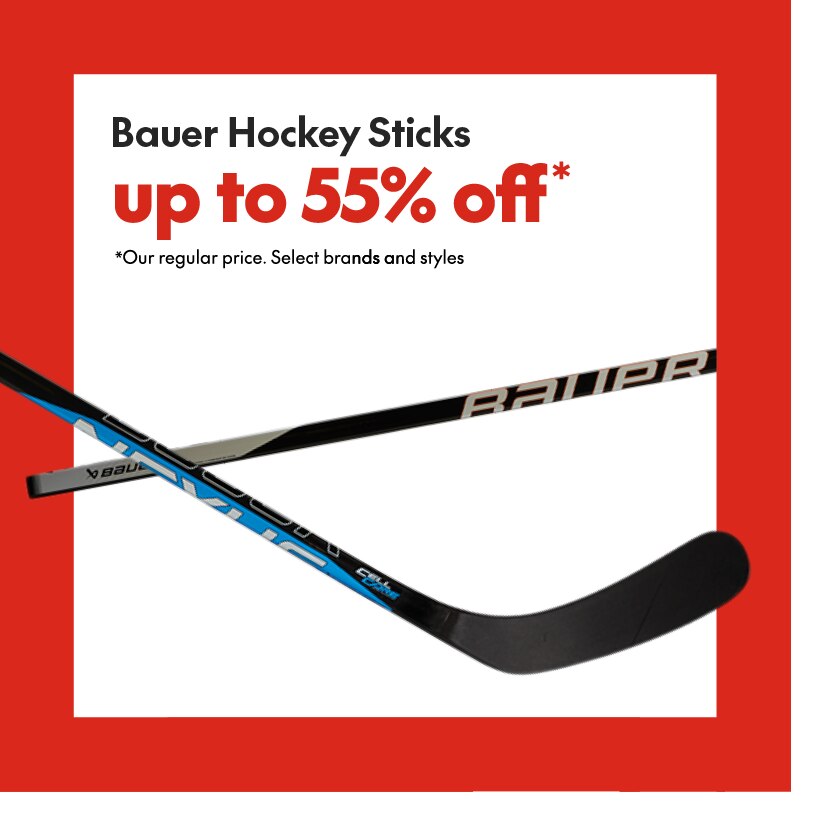
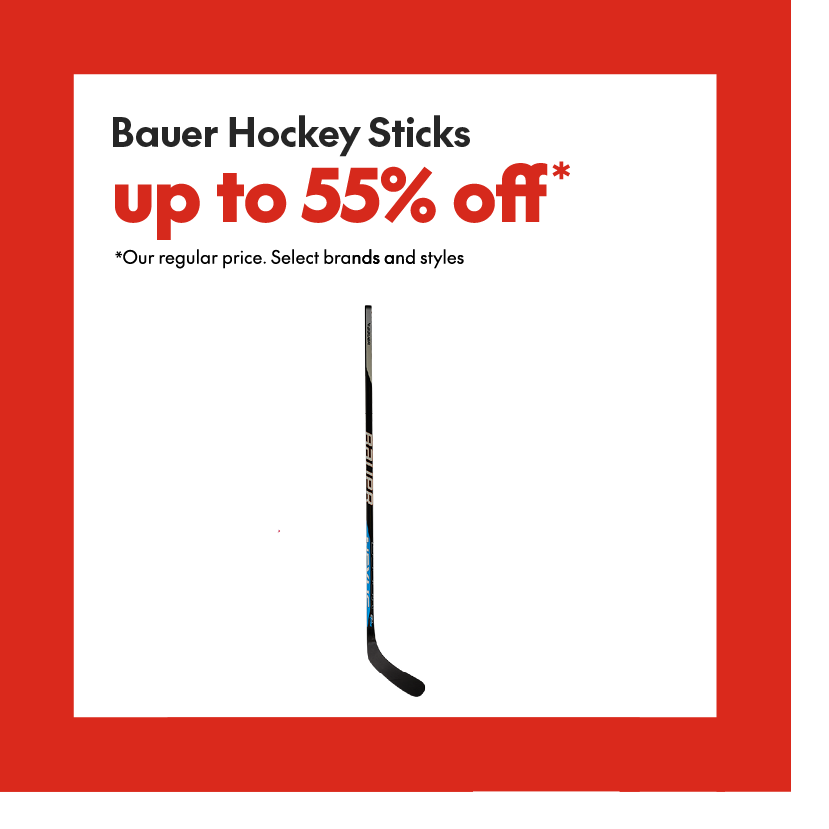
Some items with extreme proportions can be hard to show in their entirety without lacking visual interest or losing visibility of details. In these situations we encourage creative solutions to showcasing the SKU images. Below are a few examples for reference.
Preferred
Cropping into the skis allows a closer view of the product to see details and makes a more dynamic layout.
Not Recommended
The skis shown in full make it hard to see any product details and leave a lot of empty space in the layout.
Preferred
Finding creative ways to enlarge the product can make better use of the canvas and showcase product details.
Not Recommended
The hockey stick shown in full gives neither an optimal layout, nor a clear view of the product.
Overuse
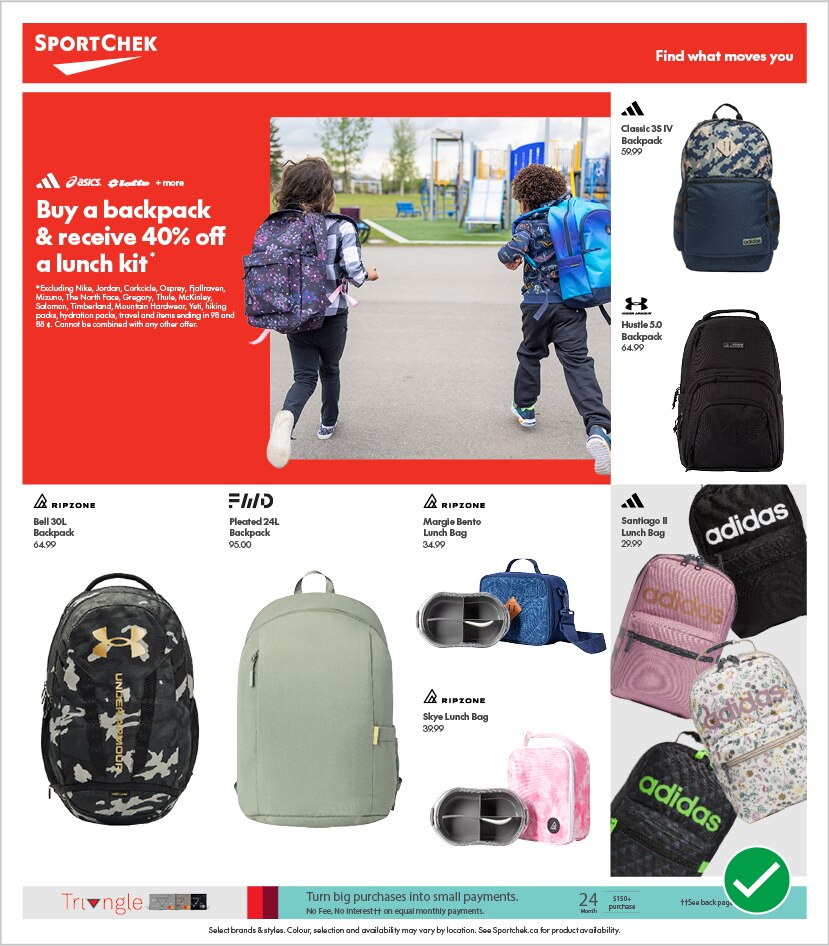
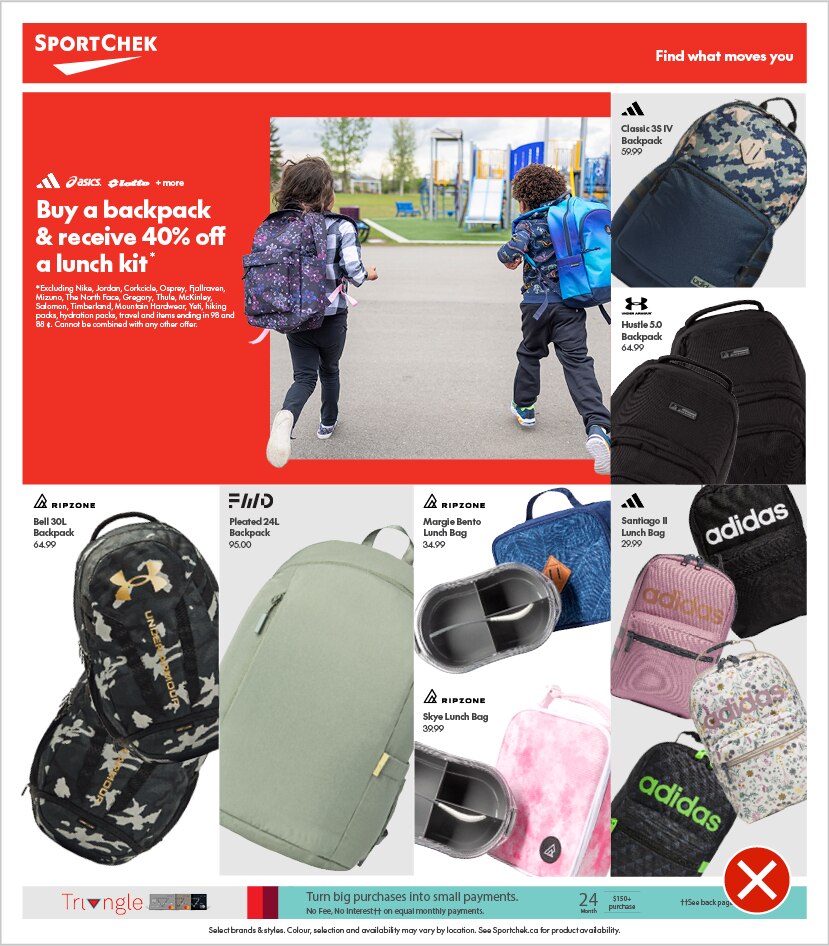
In some situations the overuse of the SKU rotation and cropping can make a grid layout feel too busy and distracting. In these situations standard gridded SKU placements can be used with occasional rotated treatments to add energy and excitement.
Do
Using the grid for simple SKU placements creates a clean layout and allows a single use of SKU rotation at bottom right to have impact.
Do Not
This flyer page is feeling too busy and crowded. The overuse of the SKU treatments has made the layout feel messy and overwhelming.
Do
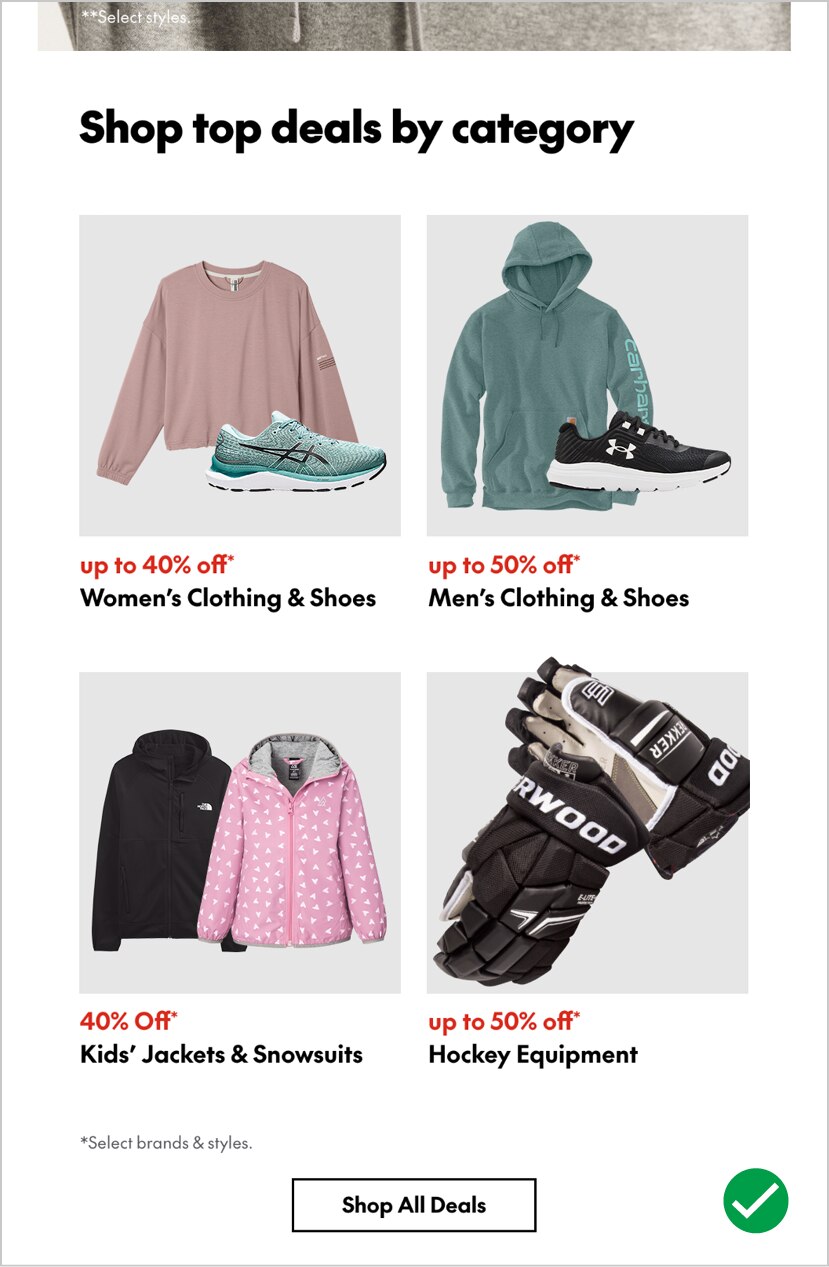
When showing products in an email grid, rotate a maximum of one module to give it emphasis.
Do Not
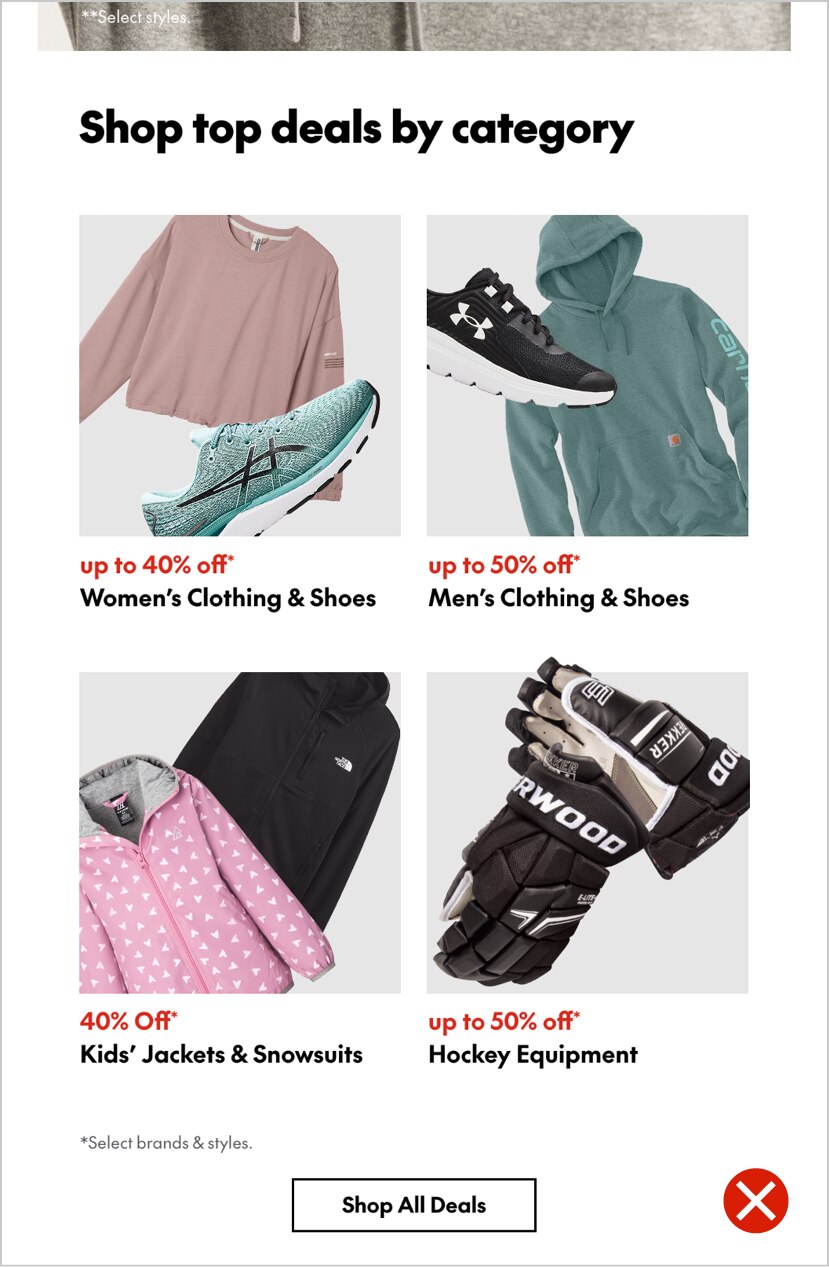
In a product grid like the example above do not rotate and bleed all SKU images as it feels too cluttered.