Level 2 – Cyber Sales/Flash Sales
Overview
Level 2 events are mid-level retail events occuring once or twice per year. These events have more focus on the save story and less emphasis on the event name. Flash sales run more frequently and need the ability to feel fresh between events.
Cyber Sales overview
Identity components

Cyber Spring lockup

Cyber Spring pattern

Cyber Summer lockup

Cyber Summer pattern
Colour palette
Cyber sales use a vibrant palette of bright seasonal colours. This allows us to separate the different events and keep the creative fresh. These colours should only be used within the supplied Cyber patterns.




Example creative

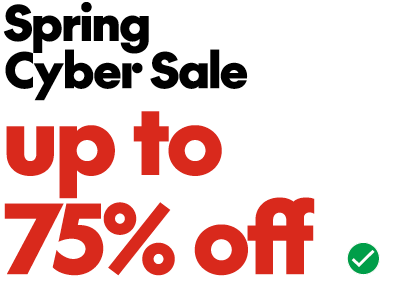
Spring Cyber Sale example creative
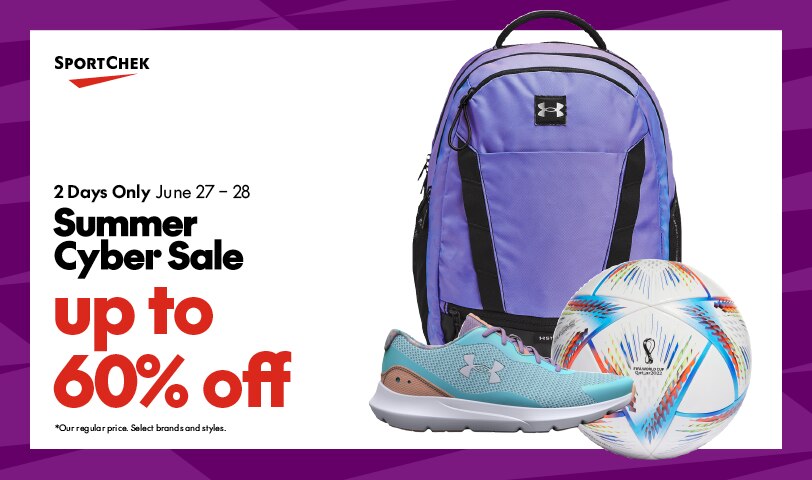
Summer Cyber Sale example creative
Cyber Sale lockups
Lockup construction
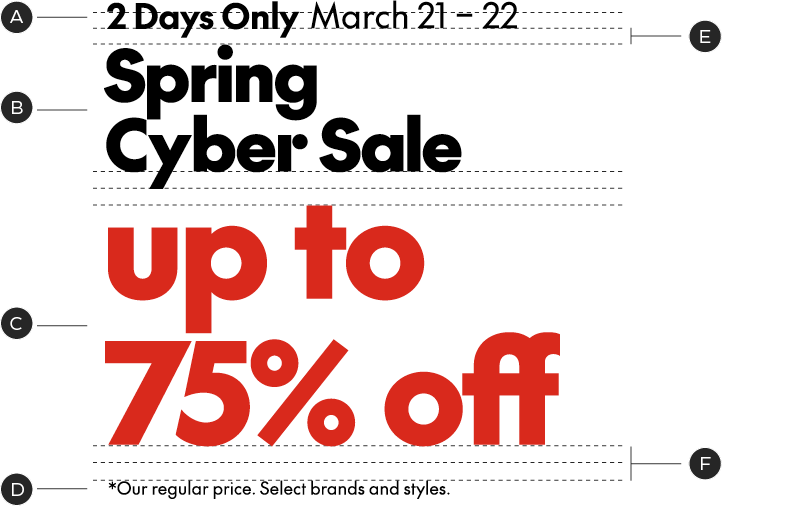
A – Modifier & Date Range
B – Lockup
C – Save Story
D – Legal Copy
E – Leading is based off x-height of modifier
F – 2× leading
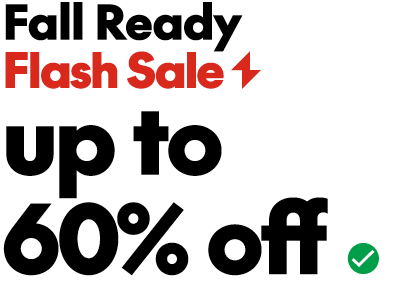
When constructing a lockup always begin with the predesigned template. Modifiers can be altered to accommodate to different line/word lengths, but should be kept as close to the original size ratio as possible.
Lockup orientations
Our Cyber Sale event lockups have 2 orientations in order to best fit the needs of different channels. Use whichever orientation fits the layout best.
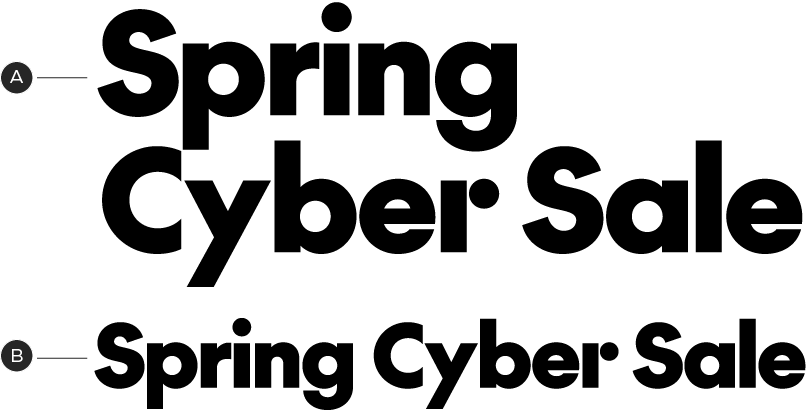
A – Vertical
B – Horizontal
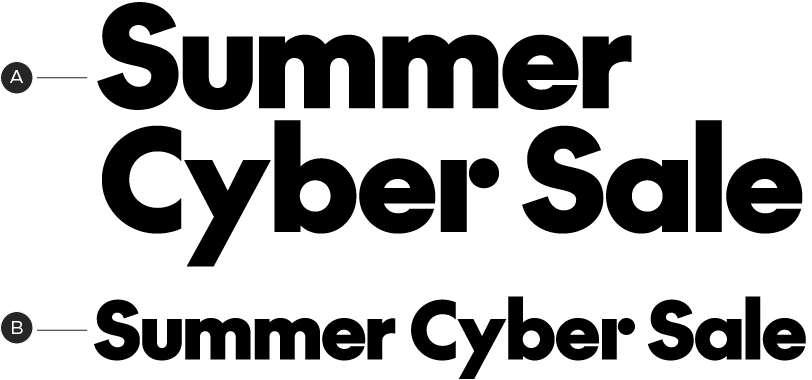
A – Vertical
B – Horizontal
Cyber Sales patterns
Spring Cyber pattern
Summer Cyber pattern
Pattern scale
When using the cyber sale patterns, crop in to the pattern to make it feel exciting. Avoid cropping too wide where the pattern starts to feel busy.

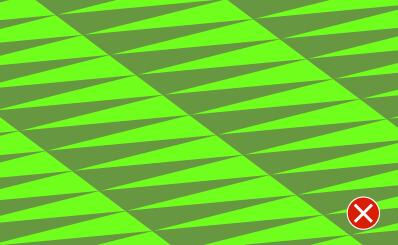
Pattern usage
Because of the bright vibrancy of our Cyber patterns, never layer type directly on top of the patterns. The patterns should be contained in a border around a white field to ensure legibility and accessibility requirements.
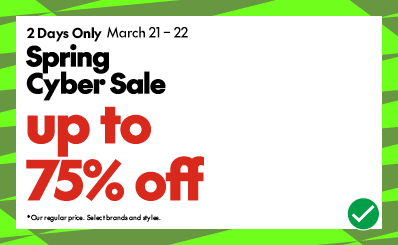
Do put text on white field
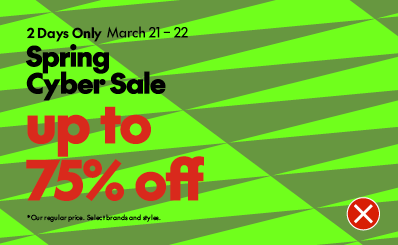
Do not put text directly on pattern
Flash Sale overview
Identity components
Flash Sale lockup

Flash Sale pattern
Flash Sale colour palette
Flash sales have a flexible palette of colours to choose from in order to maintain a fresh identity between events.








Example creative
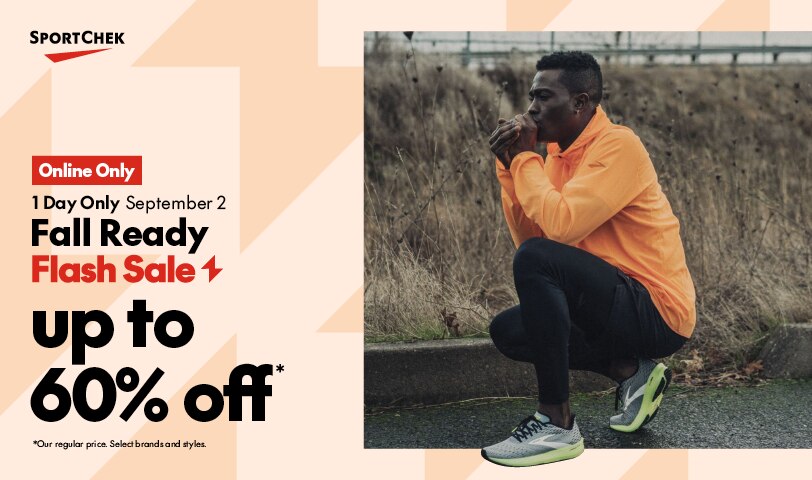
Flash Sale lockup
Lockup construction
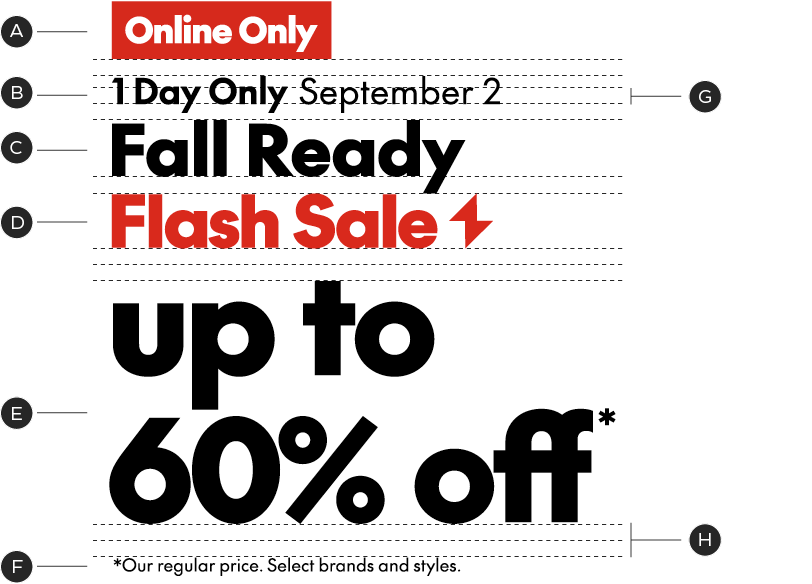
A – Online Only Badge
B – Modifier/Date Range
C – Event Modifier
D – Flash Sale Lockup
E – Save Story
F – Legal/Detail Copy
G – Leading is based off x-height of modifier
H – 2× leading
When constructing a lockup always begin with the predesigned template. Modifiers can be altered to accommodate to different line/word lengths, but should be kept as close to the original size ratio as possible.
Flash Sale patterns
Flash Sale Red pattern

Flash Sale White pattern

Flash Sale Winter pattern

Flash Sale Spring pattern

Flash Sale Summer pattern

Flash Sale Fall pattern
Flash sales have six patterns to use so that we are not repeating creative and each event feels fresh. The seasonal patterns can be used to give larger events emphasis and the red or white pattern can be used for more general events.
Pattern scale
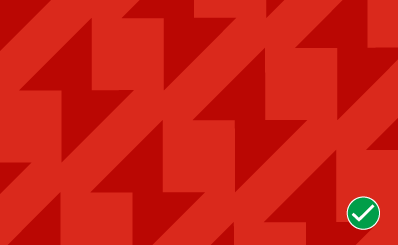
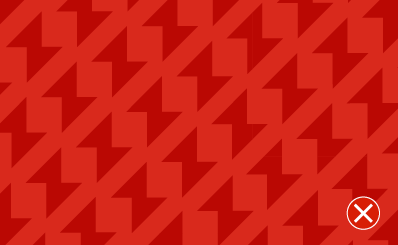
When using the flash sale pattern, crop into the pattern to make the flash icons feel big and exciting. Avoid cropping too wide where the pattern starts to feel busy. As a general rule to get an optimal crop, ensure you can't fit two bolt icons across the shorter side of the layout.
Lockup hierarchies
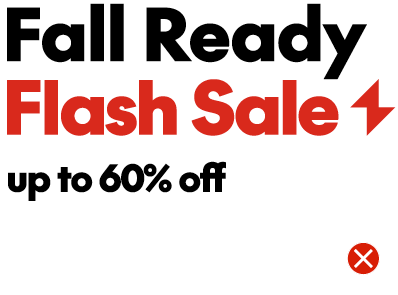
When creating our lockups for Level 2 events ensure the save percentage is significantly larger than the event name. These are frequently occurring sales that we want to lead with the Save Story.