In Graphic Layouts
When working in graphic layouts, there is more leeway to add animation to elements that creates energy and supports the brand.
All examples on this page were created using the AfterEffects templates available for download.
Chek Supergraphic
The animated Chek Supergraphic can be used to inject more energy into otherwise static photo layouts. It can be used as an entry animation, or as an ambient animation to create a loop (eg: digital A-spot, social media GIF, in-store screens). Layer the vector into the image for emphasis.
Always follow the foundational design guidelines for the Chek Supergraphic.
Example Chek Supergraphic Entry
Example Chek Supergraphic Loop
Chek Box Frames
The Chek Box Frame and Implied Chek Box have an entry animation which is quick and minimal, keeping attention on the content inside. When working in a graphic layout, it's encouraged to create a pop-out from the photo, which the cropping animation helps emphasize. The Chek Box Frame (or Implied Chek Box) can slide in or out or scale up or down to add energy. The Chek Box Frame can be different colours, most often Red or Grey and can flick between different colours throughout.
Example, Skier, Red frame
Example, Skier, Implied Box
Example, Grey frame

Save Stories
Save Stories should be emphasized using the quick and simple sliding text animation that's unique to Sport Chek. The text will slide in from the left, word-by-word, with a slight lean as it enters.
Example Save Stories in various colours & formats

The animation is dynamic, yet flexible in layouts, since it only uses its own space on-screen. This text animation is preset to work at various sizes, in standard and condensed Save Story formatting.
Text in Separated Brandmark
Using the AfterEffects templates, custom headline text can be added to the Separated Brandmark animation structure.
Example Separated Brandmark, "Just Dropped"
When adding custom text, the leading may need to be adjusted based on the descenders and ascenders present in the leading area. Follow the Headline Leading guidelines in Typography. Note, do not typeset the FWMY tagline yourself, always use the template provided which has customized kerning and leading applied.
Example: Product Promos
Weekly Product Promo videos are a good way of summarizing the Brand Motion system at work in graphic layouts. The Chek Box Frame, Save Stories and Brandmarks modules are all utilized.
This Product Promo template is available in 16x9, 1x1, 9x16, with variations for social media or in-store use. Number of offers and SKUs can also be customized.
Violations
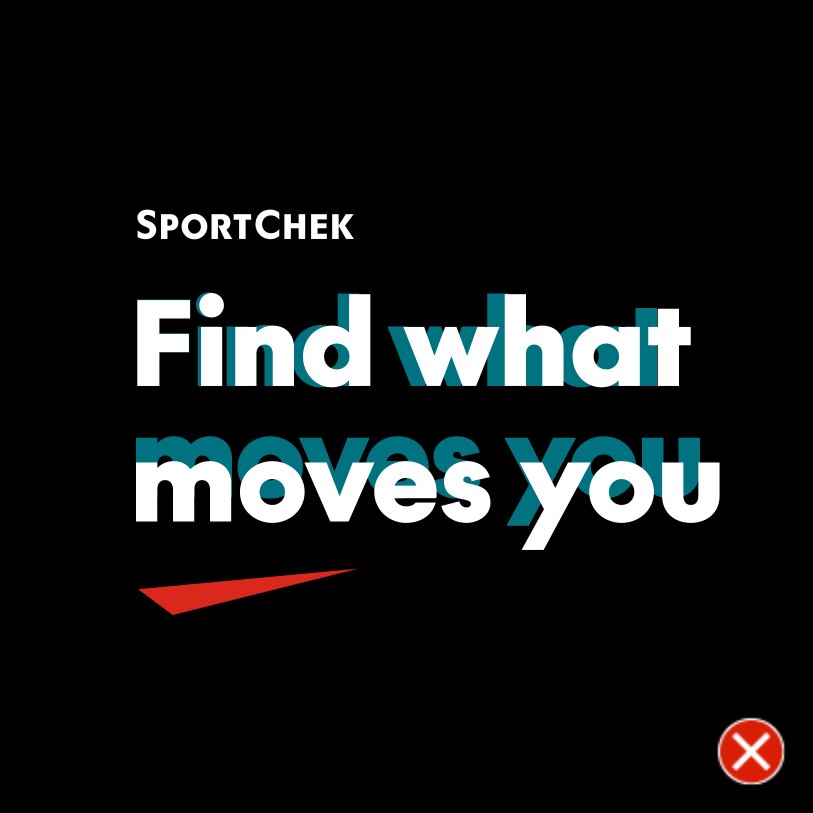
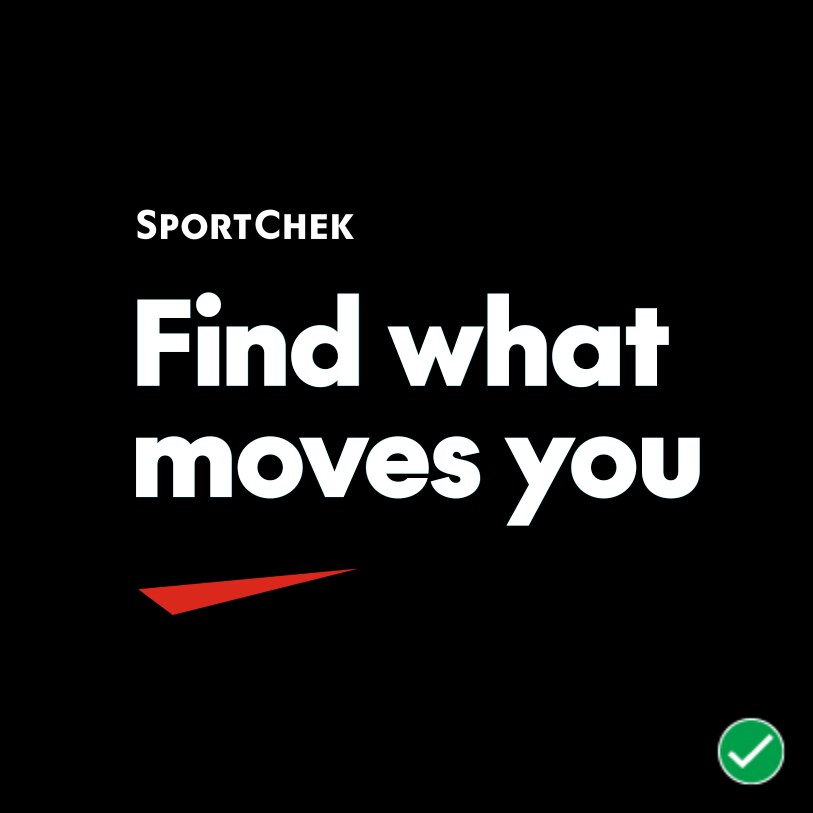
DO NOT typeset the FWMY tagline yourself, always use the template provided which has customized kerning and leading applied. If you must use editable text, match kerning/leading to the lockups.