

Dedicated emails
This page deals with the specifics of A-spots in Dedicated emails. For basic A-spot guidelines and general information about emails, visit the Universal email modules pages.
Dedicated email types
Dedicated emails feature highly-focused messages, divided into three sub-types:
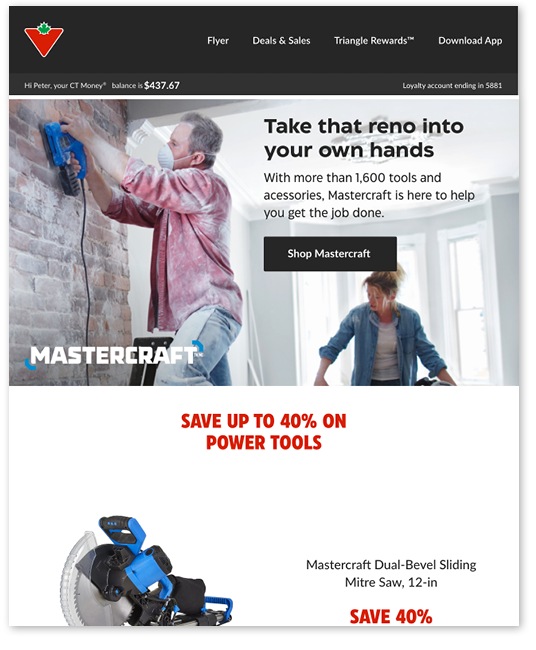
Brand
This sub-type is for brand features, eg. Mastercraft, CANVAS. The brand colours may be used in elements with colour options (e.g., Banners) and logos may appear in the A-spot. Typography and button styling must follow the general email guidelines.
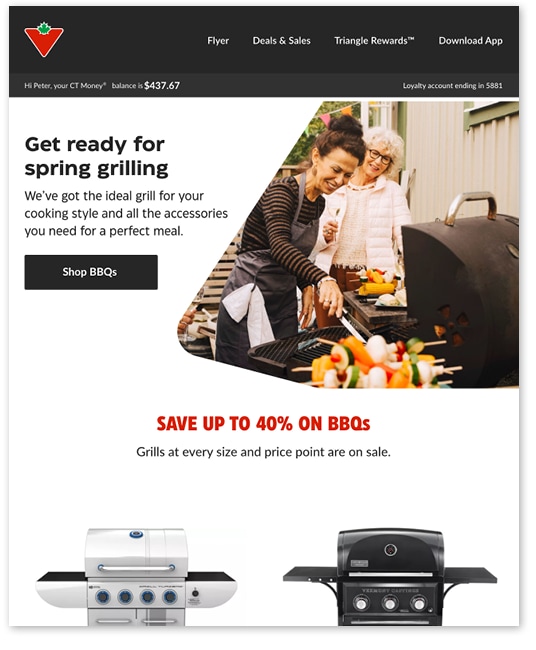
Category
The Category sub-type focuses on a single season, diversion or vertical: e.g., spring, fixing, bicycles.
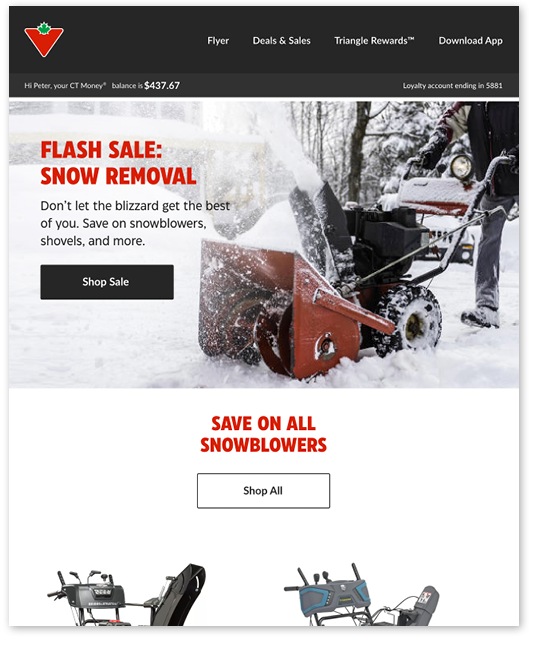
Trigger
Trigger-type Dedicated emails are for strategic projects or Flyer alignment and can also respond to opportunities presented by a current event: e.g., a snowstorm.

No matter which type, Dedicated A-spots typically feature lifestyle imagery.
Copy zone
Dedicated emails generally rely on text-based headlines: see the specs on the Universal Email Modules: basic elements page for details.

A – Mobile
B – Desktop
C – Typeset headline
D – Fixed spacing
Image zone
Dedicated A-spots usually contain lifestyle photography, which can be treated in a number of different ways:
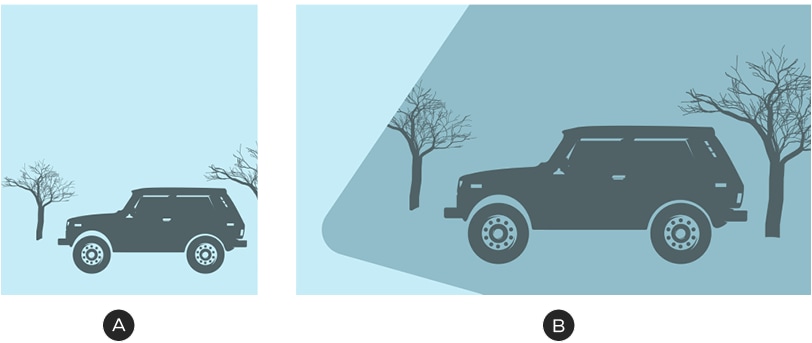
A – The image zone occupies the entire A-spot area; the copy zone sits over top of it.
B – Photography may be cropped within the portal shape to add interest or create room for type.
Image-copy zone relationship
When combined with lifestyle photography, copy zones will inevitably sit overtop of visual details: ensure that there is clear space in the photo for the text and do not lay type over focal points or key products.
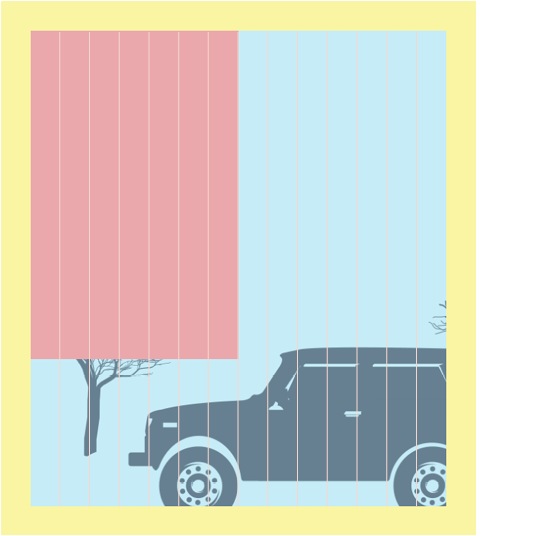
Always make sure there is clear space for text in your images.