

Baby
Overview
The Baby category at Canadian Tire offers a variety of products designed and curated to outfit children of all ages with gear to keep them happy and safe. From in-store signage to paid media channels, Baby at Canadian Tire requires a consistent visual identity to build awareness, drive sales and create a cohesive experience.
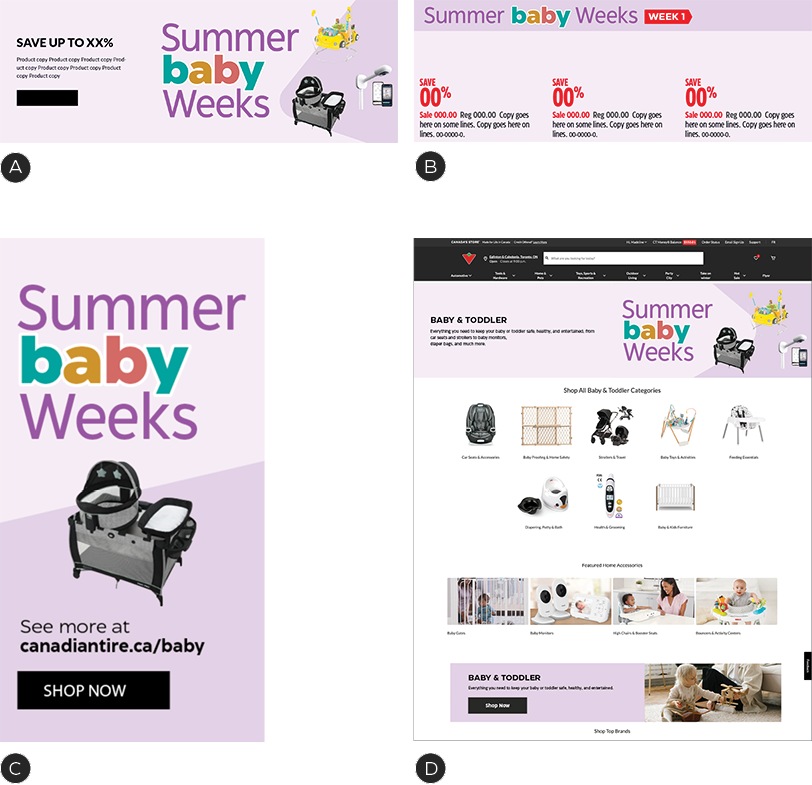
A – Sample A-spot
B – Sample Flyer—Branded Category Slot
C – Sample Digital Flyer Filler Block
D – Sample Landing Page on CanadianTire.ca
Note: identity overview designs are conceptual only. Follow event direction as outlined by the Omni Style Guide.
Baby category logo
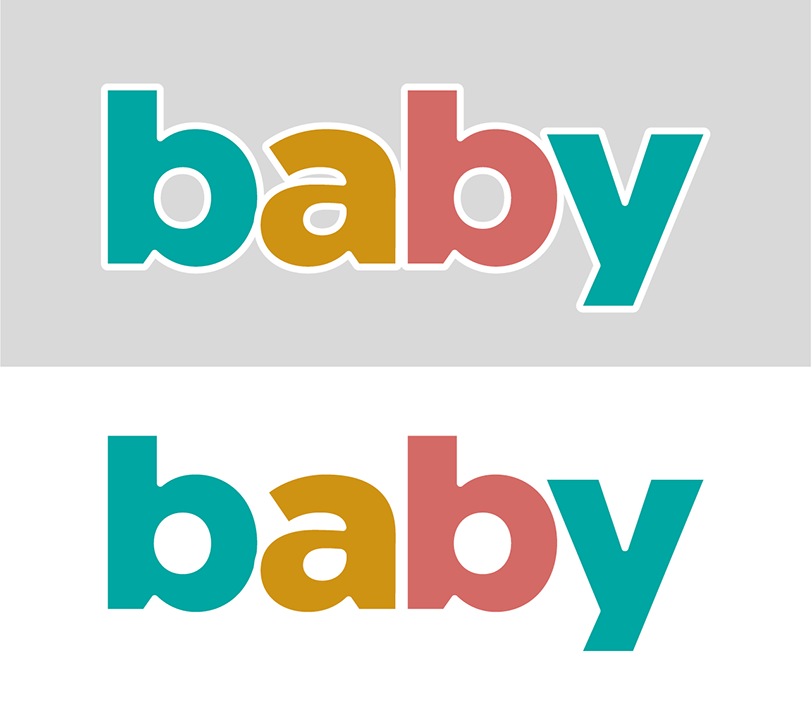
The Baby category has its own logo which should be used in place of the word Baby in headlines and lockups. It must appear in some form in all baby category creative.
This logo utilizes the secondary palette and a thick white keyline with rounded corners. It must always appear in lowercase and can be used on white or a coloured background. Do no adjust the thickness of the stroke.
Baby category lockups
When creating a Baby category lockup, the baby logo should be incorporated into the event name. All other copy should be set in titlecase CT Eastman.
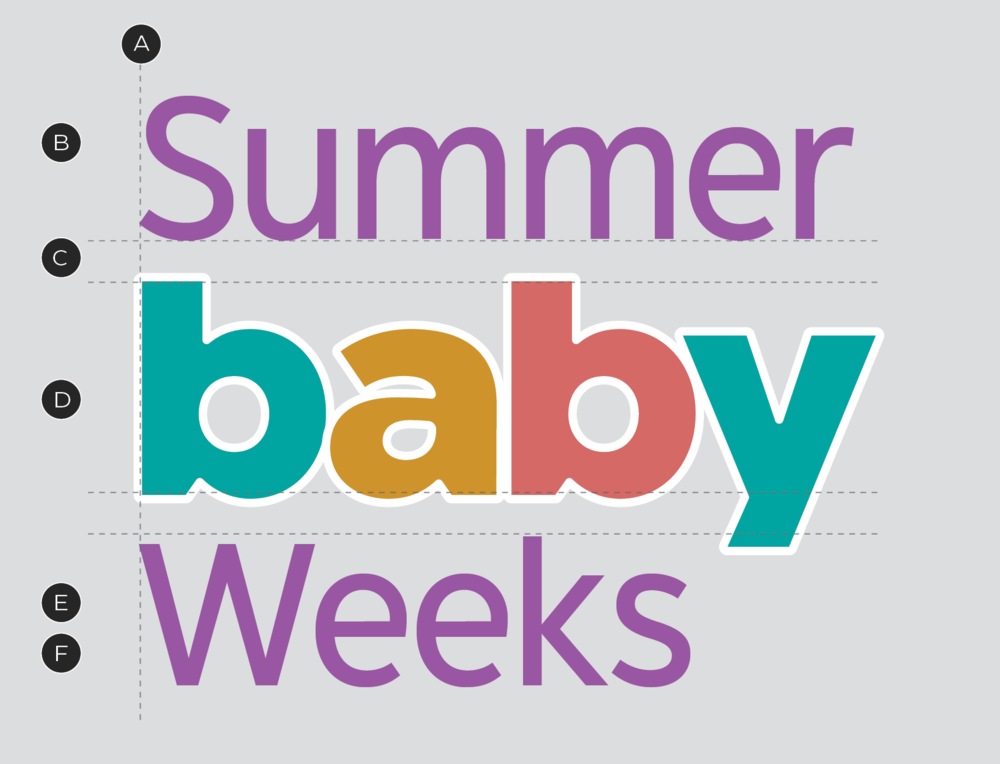
A – Left aligned
B – CT Eastman Grotesque Medium
C – Equal spacing
D – Maintain outline on baby
E – Kids' purple (see colour palette for details)
F – Title case
Colour palette
The Baby category identity's colour palette takes inspiration from the established Kid's Purple that appears in store. With some slight variations, the Baby category will appear softer with three distinct secondary colours.
Primary colour palette

BABY PURPLE
PMS 531 C
CMYK 9 / 18 / 0 / 0
RGB 226 / 209 / 230
HEX #E1D0E8

LAVENDER
PMS 531 C @ 30% TINT
CMYK 2 / 7 / 0 / 0
RGB 247 / 237 / 255
HEX #F7EDFF
Secondary colour palette

TURQUOISE
PMS 320
CMYK 79 / 12 / 42 / 0
RGB 4 / 165 / 161
HEX #04A5A1

SUNRISE
PMS 131
CMYK 19 / 43 / 100 / 0
RGB 204 / 135 / 1
HEX #CC8601

CORAL
PMS 2031
CMYK 13 / 71 / 55 / 0
RGB 211 / 106 / 102
HEX #D66
Text only

KIDS' PURPLE
PMS 2582C
CMYK 45 / 80 / 0 / 0
RGB 171 / 78 / 196
HEX #AB4EC4
In-store/POP only colour palette
Due to the colour of our fixtures in store, the POP and In-Store teams will have access to one additional variation of the Baby colour. This colour is limited to the In-Store and POP channels and must NOT be used anywhere else.

MAUVE
PMS 530 C
CMYK 8 / 20 / 0 / 0
Colour application tiering
The Baby category can appear across any tier of promotional event. With this in mind, each level of tier must have a slight variation of colour application in order to create a hierarchy within the category. When applying the Baby creative, ensure you area applying the correct amount of colour for the tier or event that is being represented. For guidance on the colour application for the promotional event you are supporting, see the Omni Style Guide.
It is possible that two of these colour applications may appear in a single week which is why it is important to utilize the correct colour application in your composition. For instance, it is common for a Baby giveaway contest to occur at the same time as a tier 3 promotional event, such as Summer Baby Weeks. It's possible for both of these events to have messaging that appears in close proximity to each other, so each must appear slightly different in order to best communicate their different messages while maintaining the Omni identity.
Tier 4 Baby category
PRIMARY COLOUR APPLICATION

SECONDARY COLOUR APPLICATION

SUPPORTING COLOUR APPLICATION

EXAMPLE
BABY LOGO
Tier 3 Baby promotional event
PRIMARY COLOUR APPLICATION
SECONDARY COLOUR APPLICATION

SUPPORTING COLOUR APPLICATION
EXAMPLE
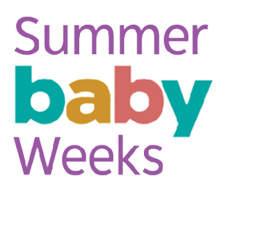
BABY LOCKUP APPLICATION
Baby marketing event/giveaway
PRIMARY COLOUR APPLICATION
SECONDARY COLOUR APPLICATION

SUPPORTING COLOUR APPLICATION

EXAMPLE

BABY LOCKUP EXAMPLE
Baby category colour classifications
Canadian Tire carries a wide assortment of products designed for every stage of a baby's development. We use our secondary colour palette to help visually categorize products to make shopping for baby that much easier. Regardless of the categorization, if information is related to a stage in a child's development, we will use a standard progression through the colours.

Turquoise will always refer to the earliest or first stage, Coral to the mid- or second stage and Sunrise to the final or third stage. If required, the Kids Purple can also be used to indicate a fourth stage. For any instances beyond 4 steps, please consult the BDS Team.
Identity dos and don'ts
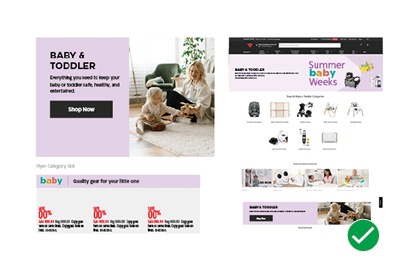
DO apply the Baby identity in all channels.
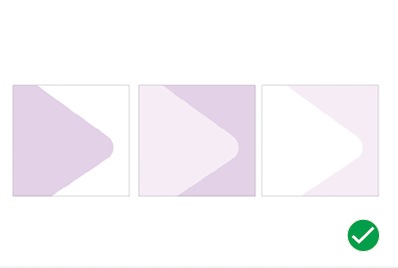
DO utilize the correct colour application for the corresponding event tier.
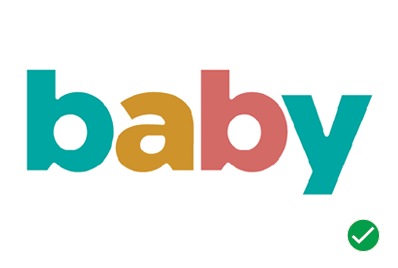
DO use the Baby logo in all assets to build awareness.
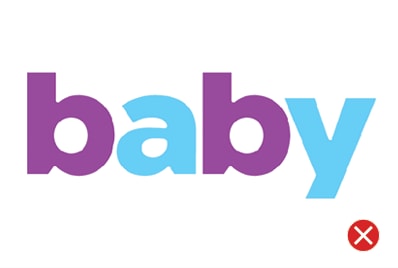
DON'T recolour the Baby logo.
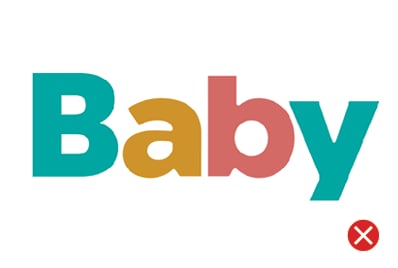
DON'T capitalize the B in Baby.
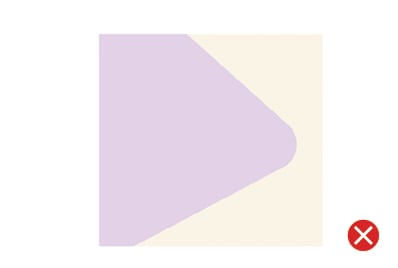
DON'T introduce additional colours.
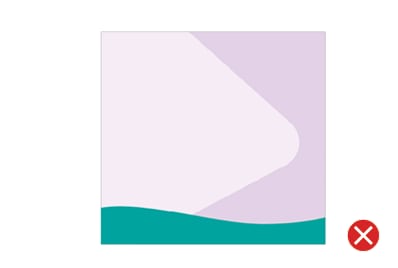
DON'T use custom elements.

Downloads
For Baby category logo, please visit here.
For the promo lockups, please contact the Omni-Channel Team.